Follow a workflow. Get closer to the detail. Find your next idea.
Interactive product tour
OPEN & MIX SETS
Open multiple sets. Copy. Paste. Merge.
Screen 1 of 3
SET EDITOR PRO / WORKSPACE
Select a numbered marker to explore that part of the workspace.
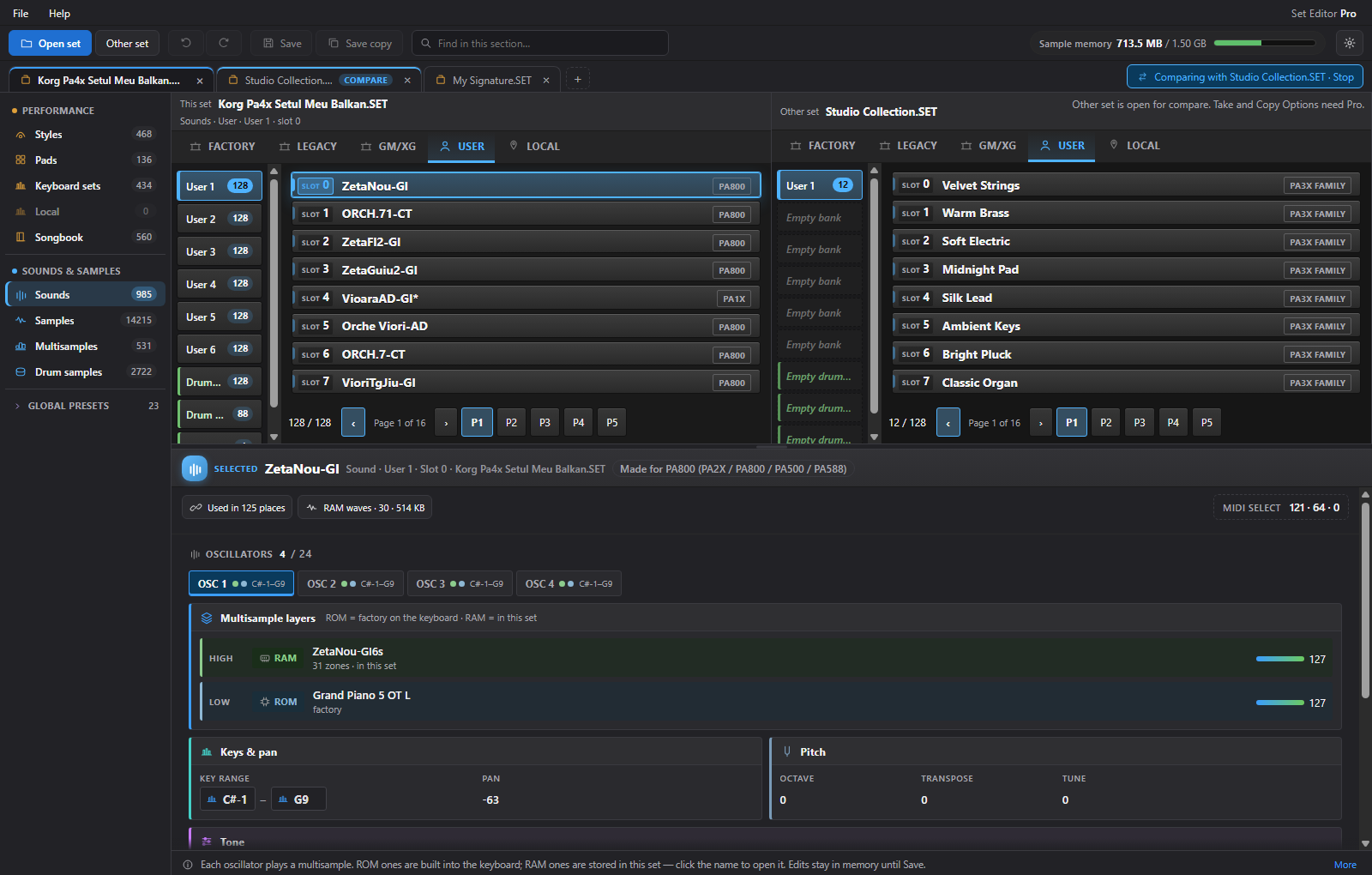
Keep multiple sets open simultaneously in separate tabs. Compare two side by side, then copy, paste, and merge compatible styles, sounds, pads, and keyboard sets. Associated user resources come along through dependency-aware copying.
Multiple sets open at once · Copy & paste between tabs · Dependency-aware merging
Next: Multiple sets
Explore real app screens here. Playback, editing and saving take place in the desktop app.
Keep multiple sets open simultaneously in separate tabs. Compare two side by side, then copy, paste, and merge compatible styles, sounds, pads, and keyboard sets. Associated user resources come along through dependency-aware copying.
Open multiple sets at the same time, each in its own tab. Switch between them, copy and paste compatible resources, and compare sets side by side as you build your collection.
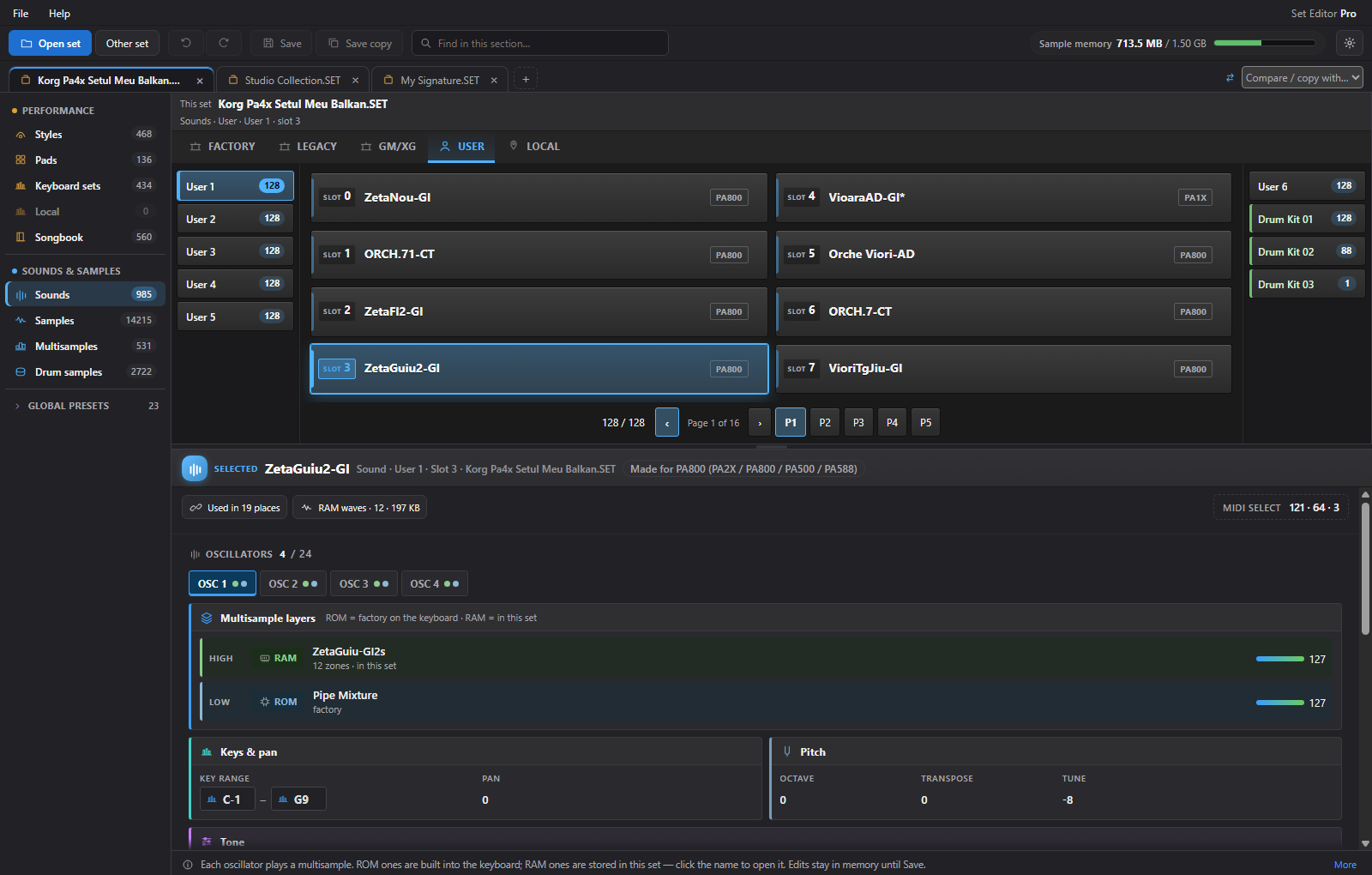
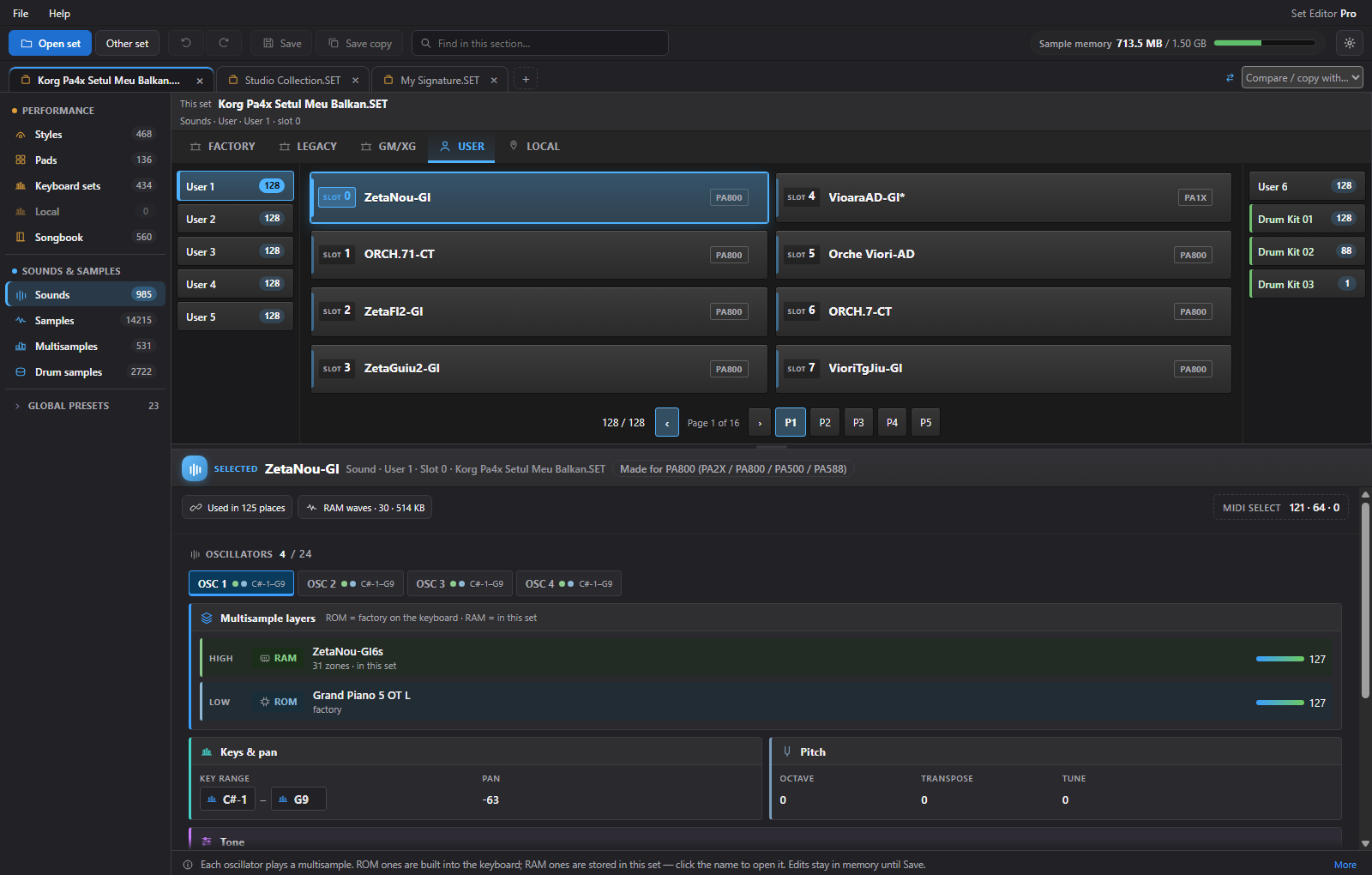
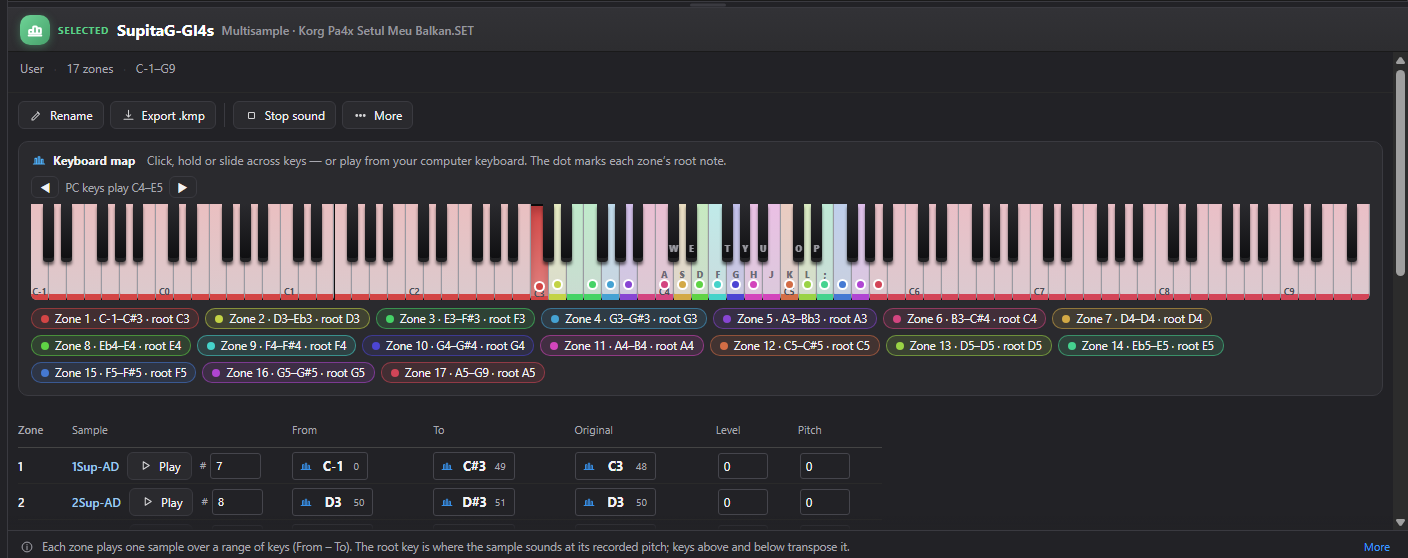
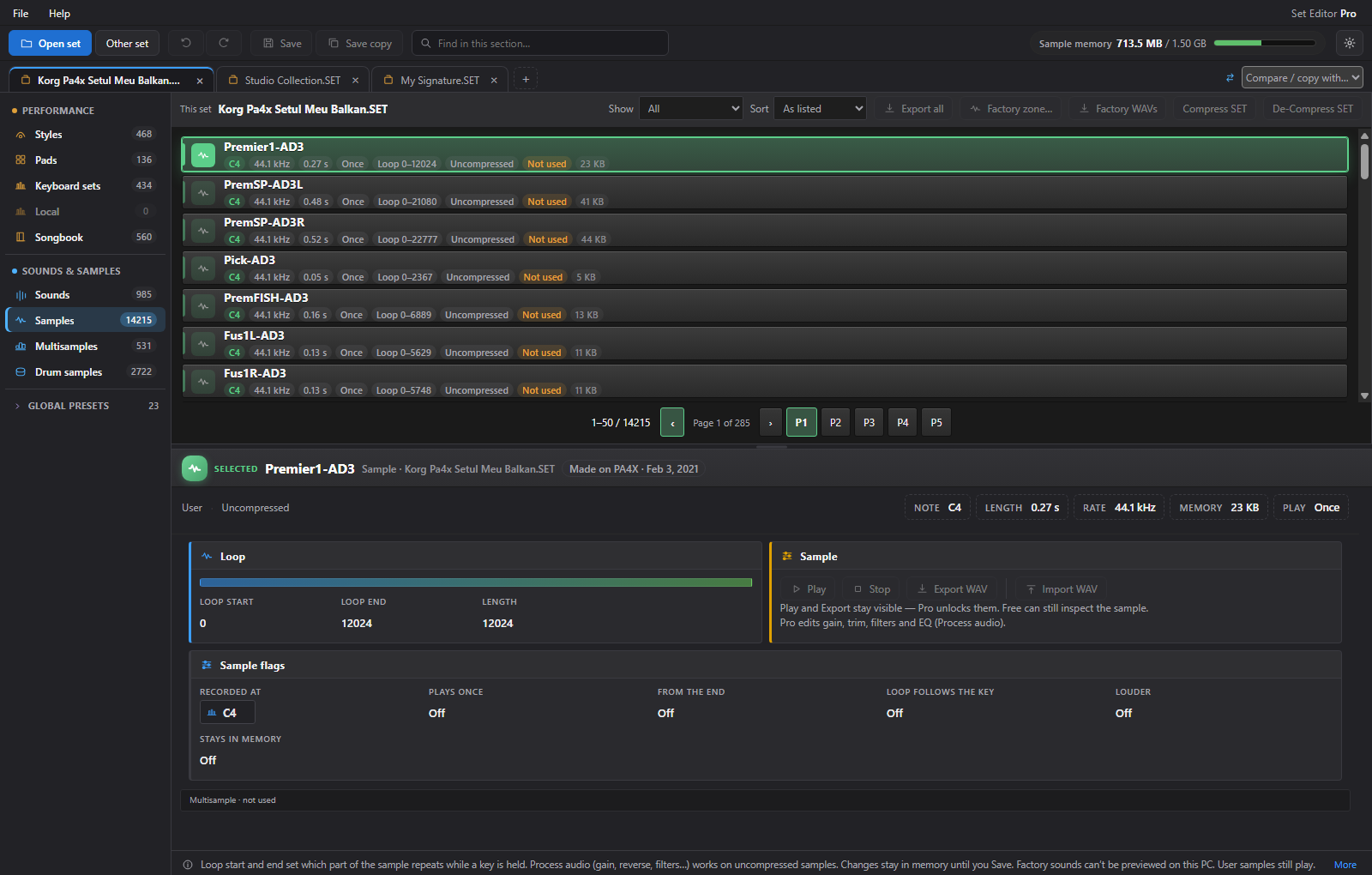
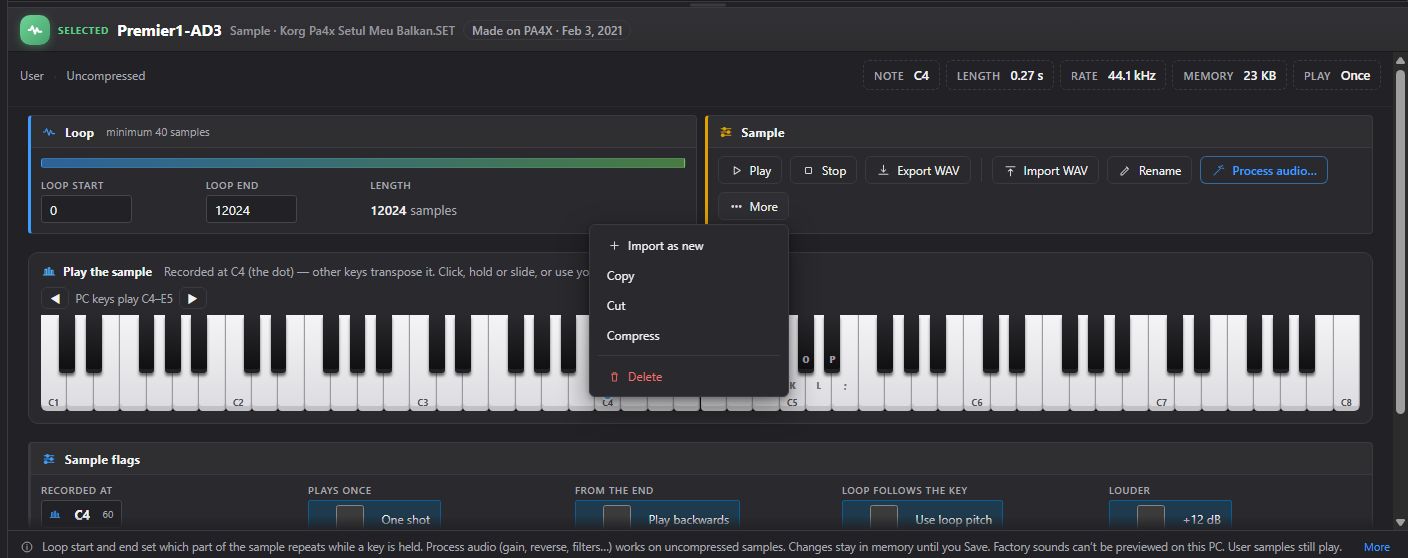
Browse user sounds and drum-kit banks, move through bank pages, and inspect the sound in each slot. Pro adds supported naming and set-editing operations.
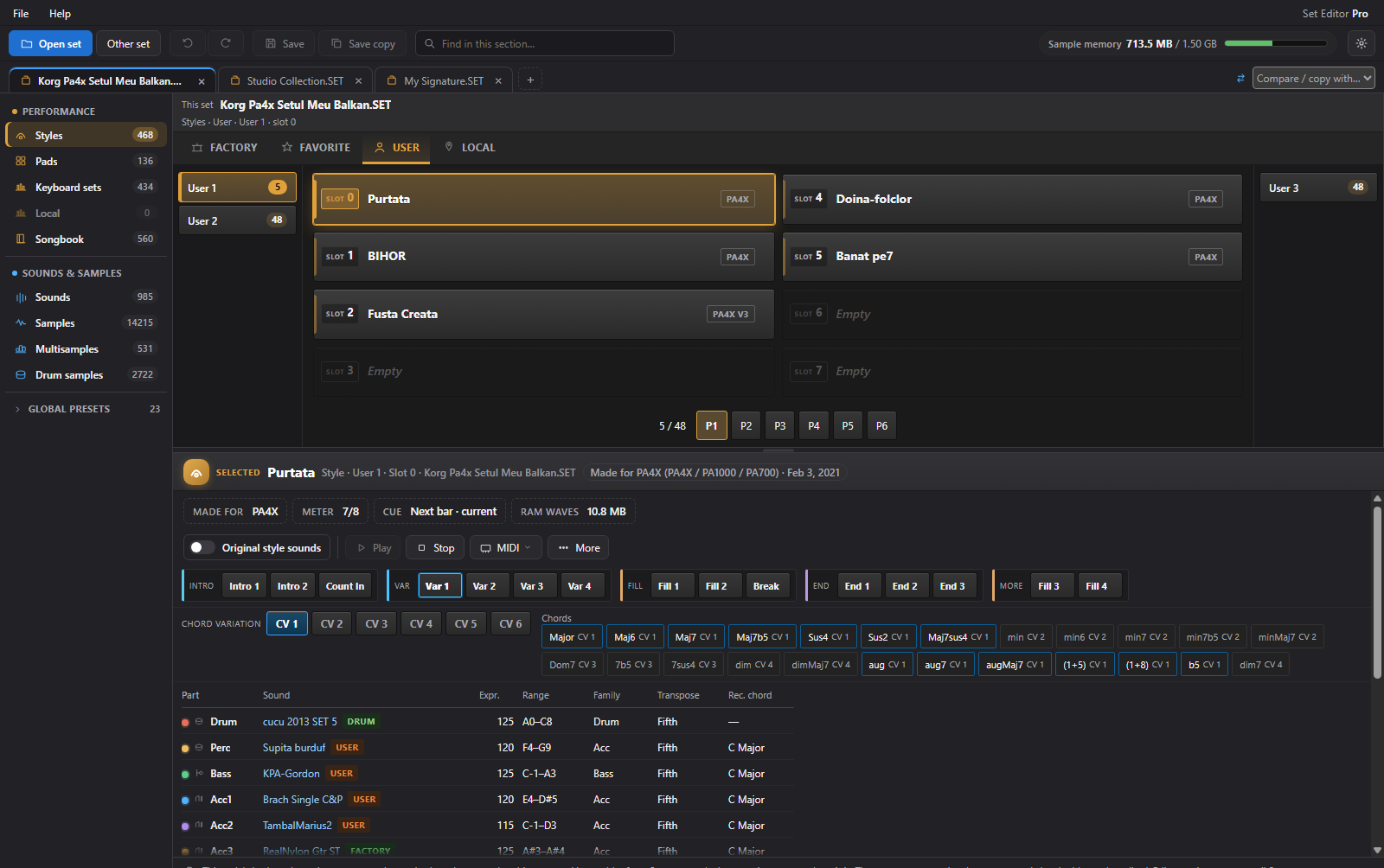
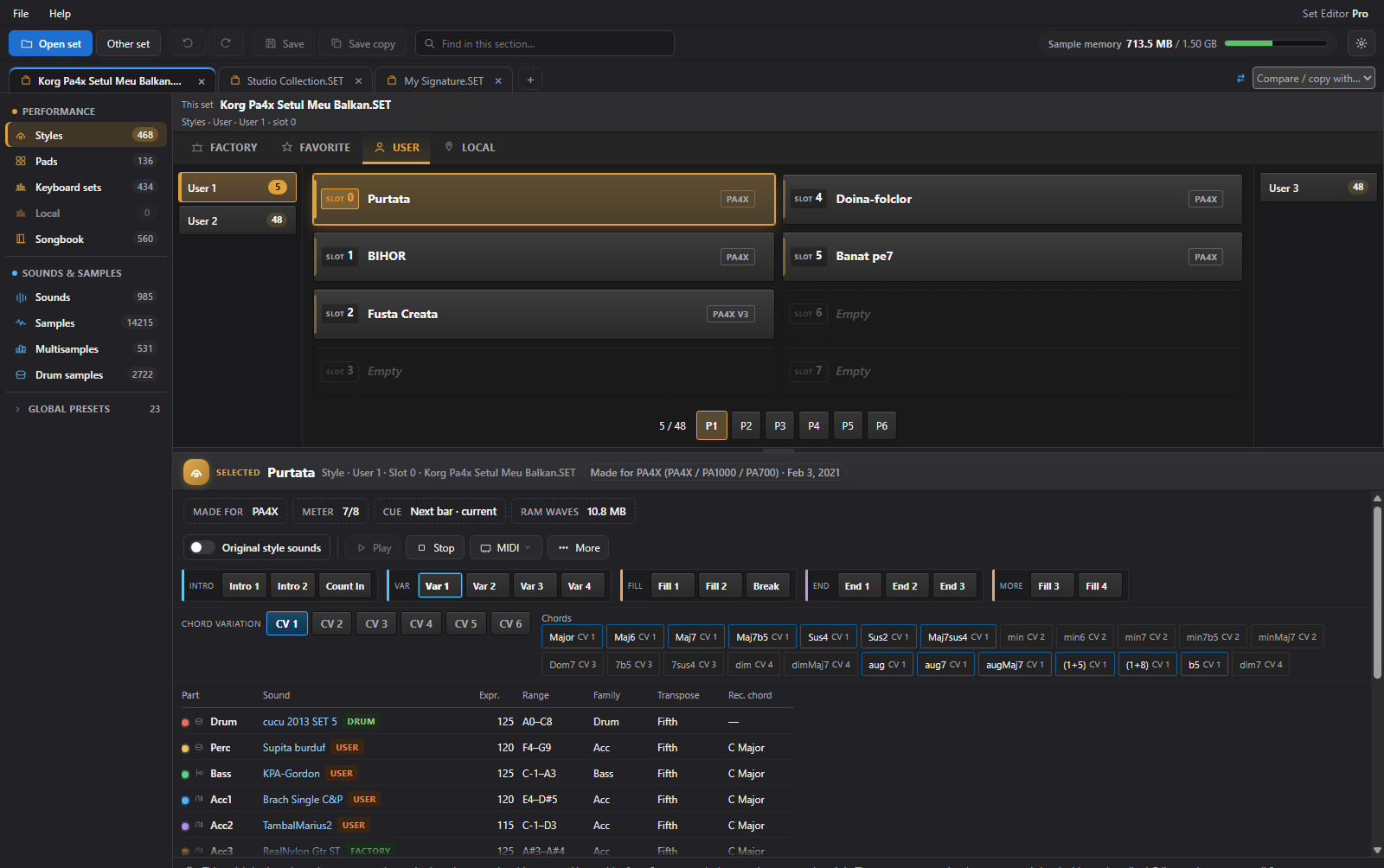
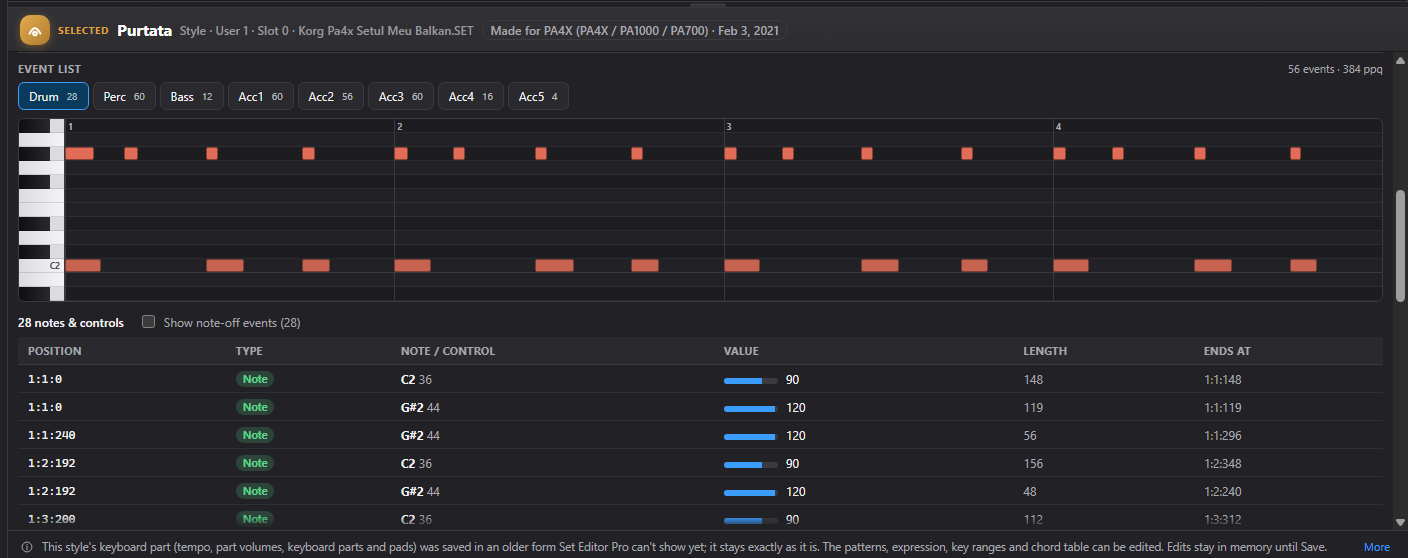
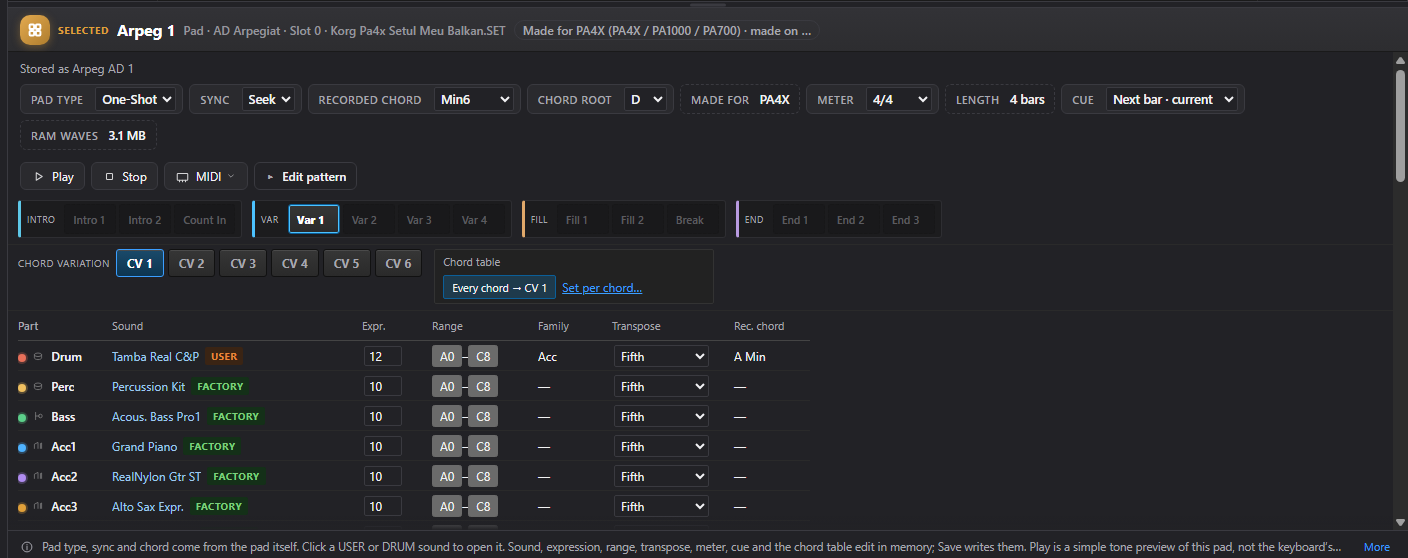
Explore a style through its variations, intros, fills, breaks, and endings. Select an available part and chord variation, inspect its tracks, and preview supported patterns.
Follow the real style-part preview through coloured instrument lanes, note events, and the moving playhead. Choose the part and chord variation you want to explore.
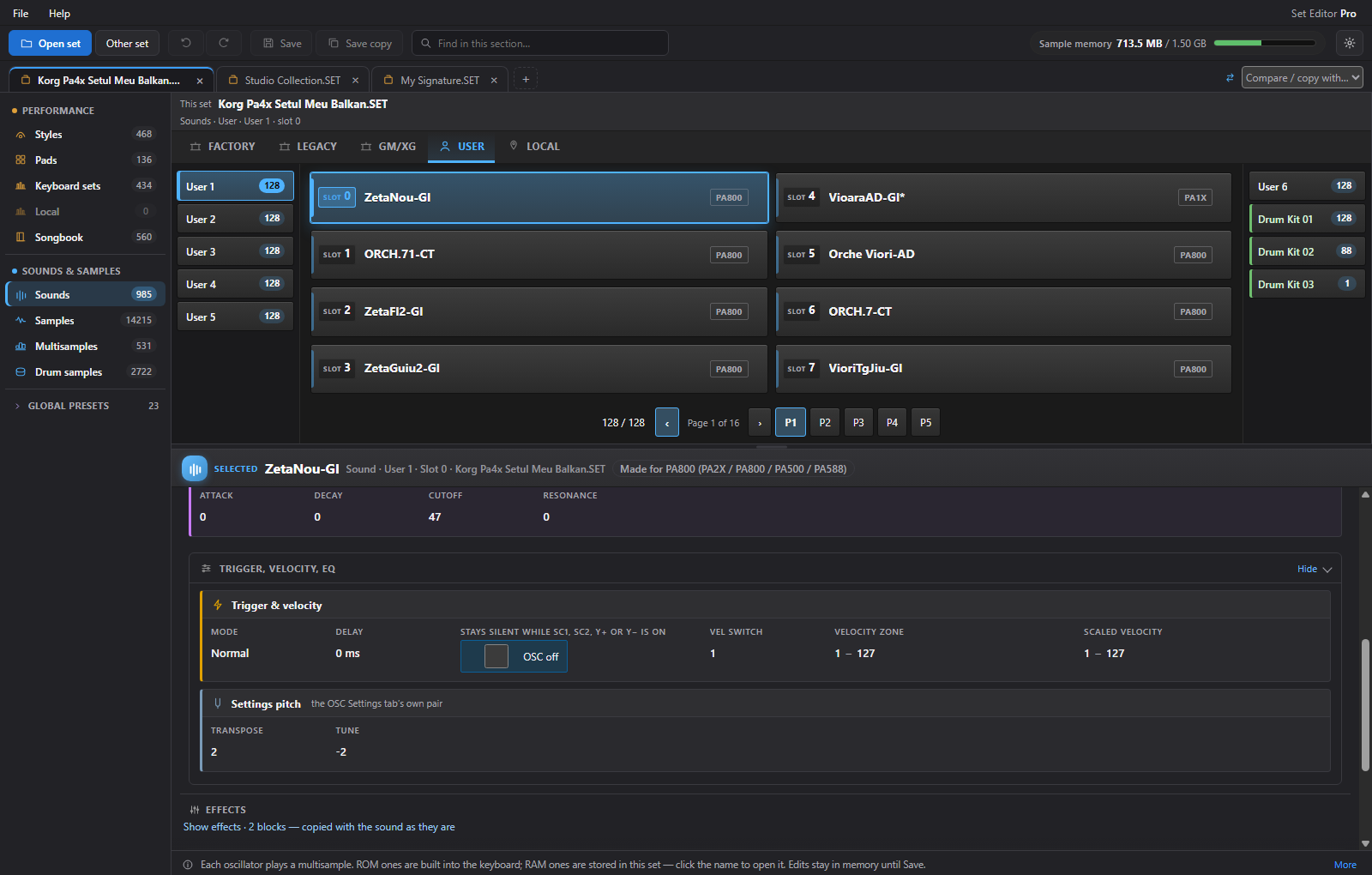
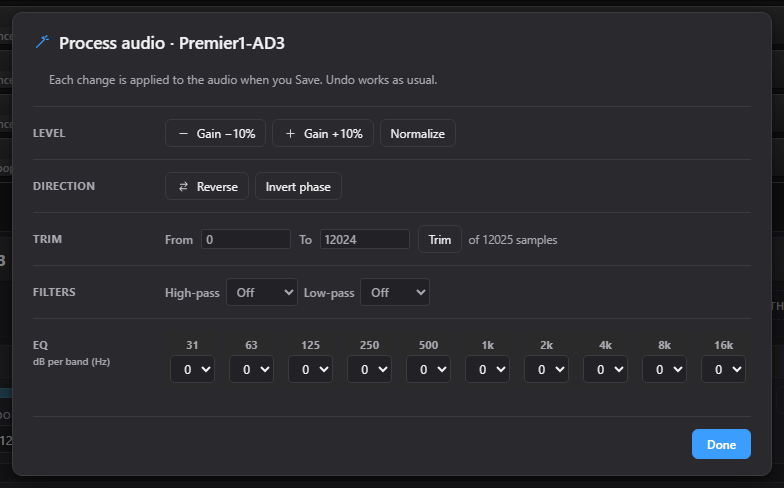
Expand the advanced sound groups to inspect available trigger, velocity, EQ, and voice settings. The controls shown depend on the sound format and licensed edition.
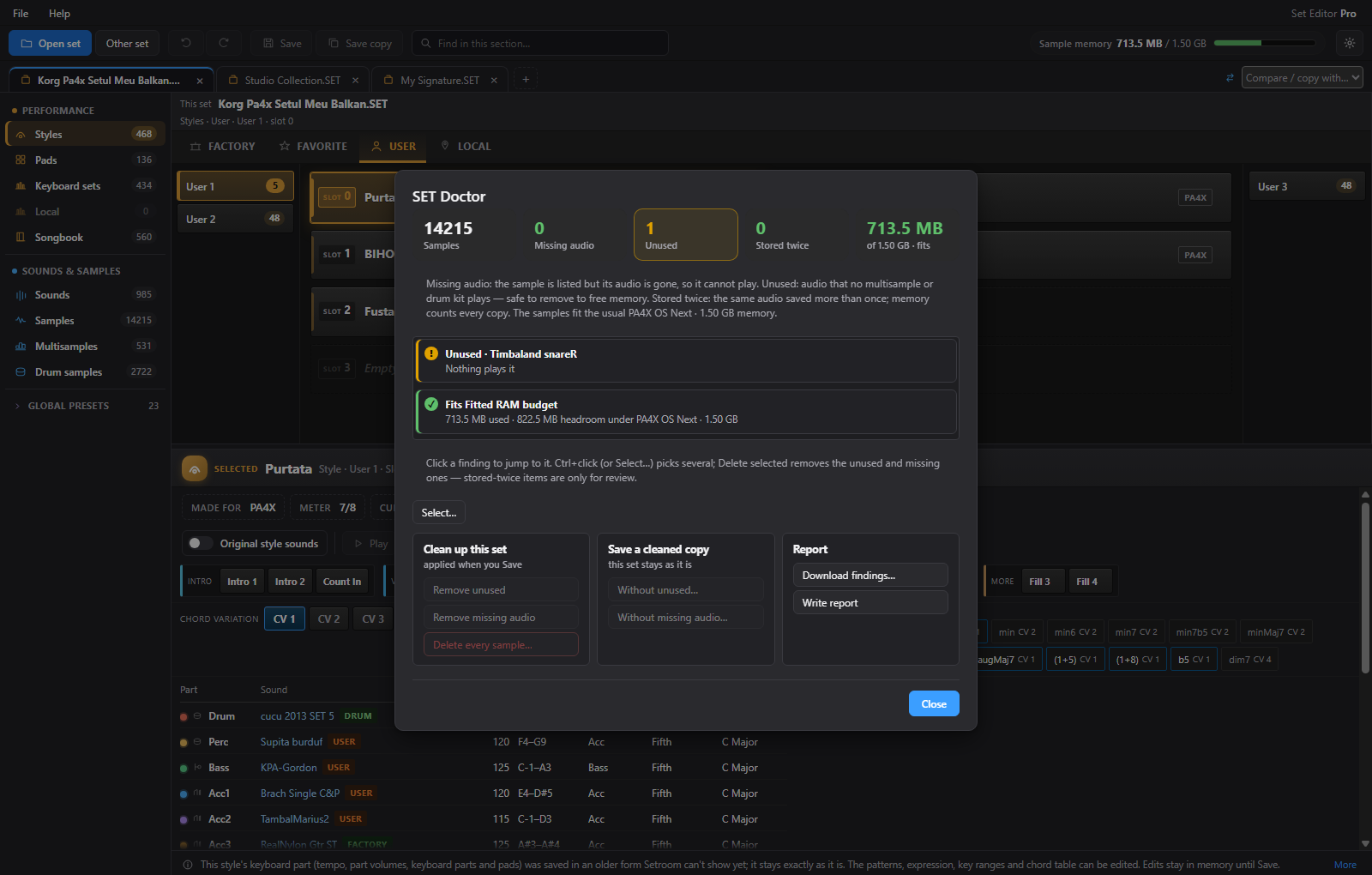
Check sample memory, missing audio, unused samples, and duplicate audio in one report. Inspect the findings before choosing a cleanup operation. Pro unlocks the available repair tools.
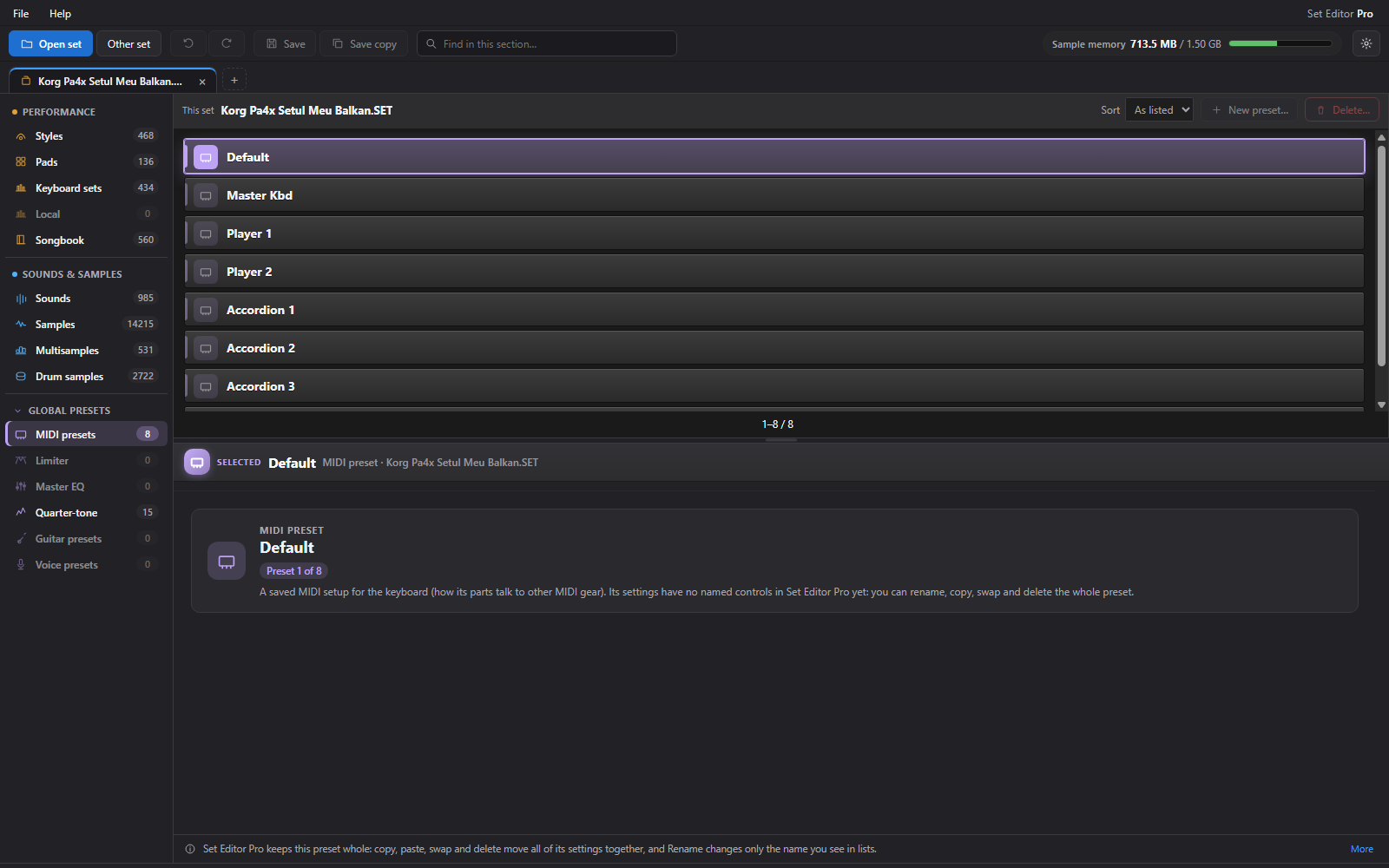
Expand Global presets to browse MIDI setups, quarter-tone tuning, and the available master EQ, limiter, guitar, and voice preset sections. Contents and supported operations depend on your model and set.
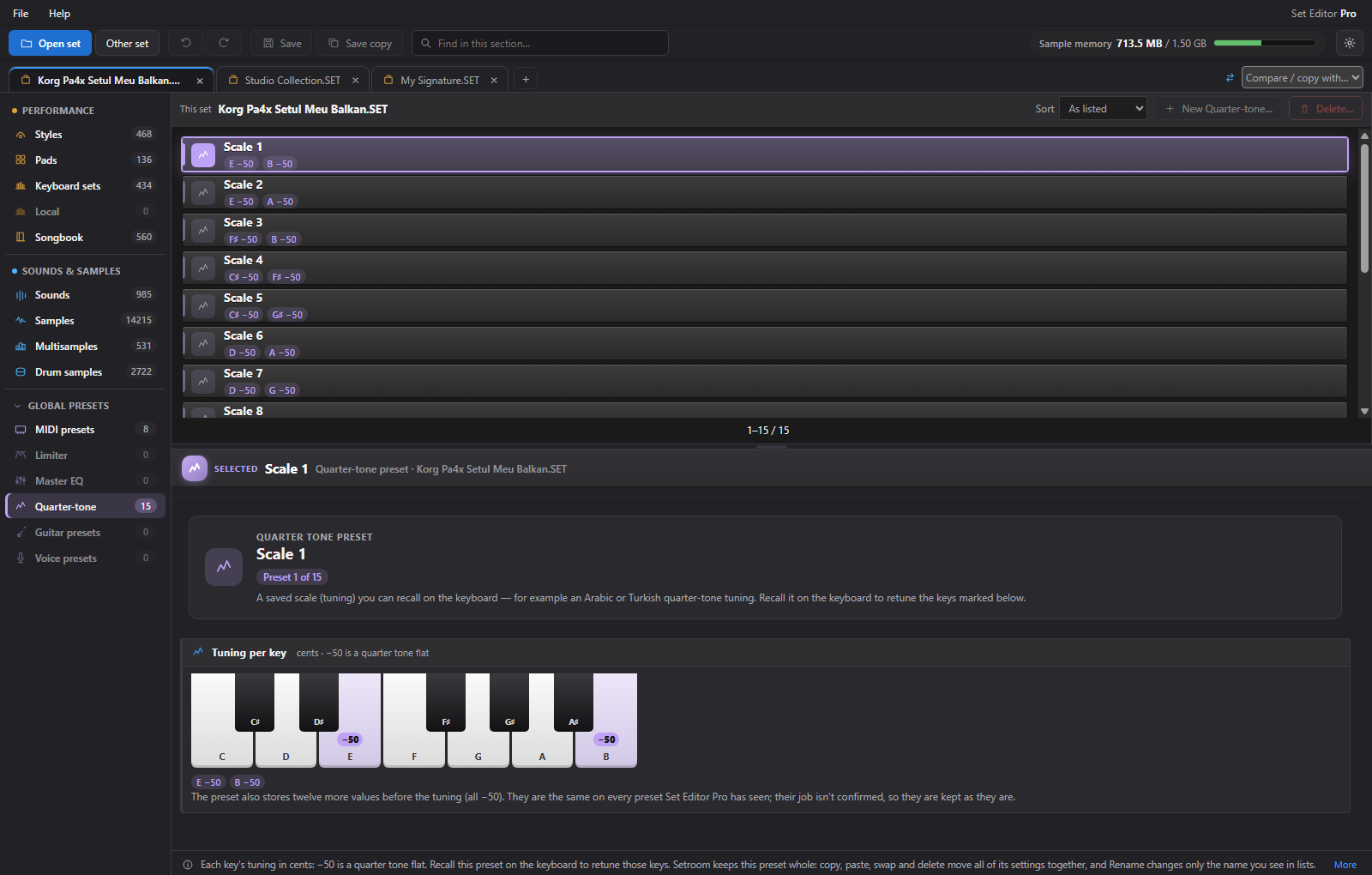
Explore quarter-tone presets on a clear per-key keyboard view. See which notes are lowered and by how many cents, with supported preset changes available in the app.
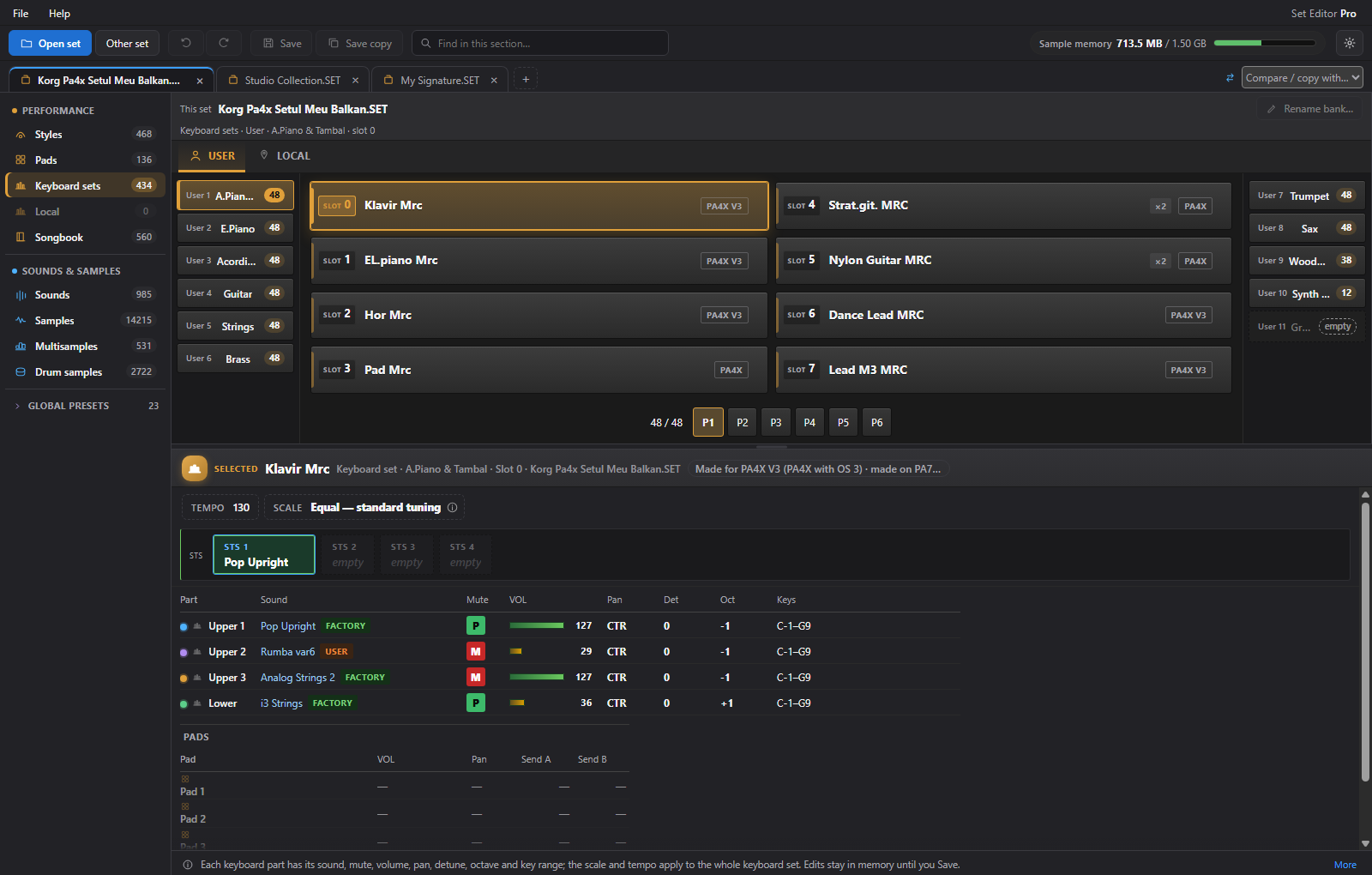
Inspect keyboard sets alongside the rest of your collection. Explore their sounds and available parameters while you organise the set around the way you play.